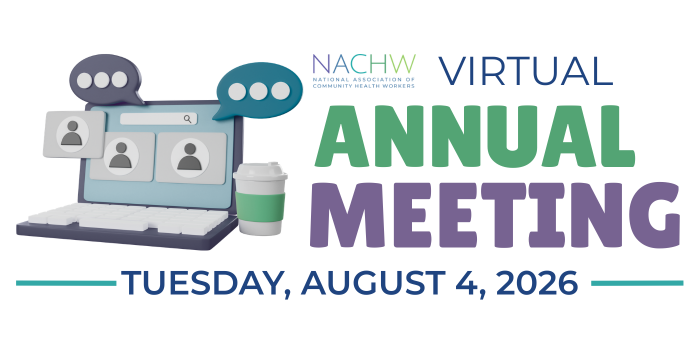
Join us at the 2026 Annual Meeting
ABOUT THE ANNUAL MEETING
At NACHW’s Annual Meeting on August 4, 2026, members (CHWs, allies, organizations, networks and associations) will gather to review the year to date. The agenda will include:
- Programmatic reports
- Financial reports
- Voting for members of the Board of Directors
- Keynote speaker
- Networking sessions
Online registration for the NACHW Annual Meeting is hosted in MemberClicks, our membership management software.
TICKET TYPES
If you are a member of NACHW, it is important to use your registered email to register for the conference. Please log in to our member portal at https://nachw.memberclicks.net/. For instruction on how to check your membership or renew, please visit this handy instructional document.
ATTENDANCE AND VOTING
- Annual Meeting Attendance and Voting: Members will have access to the annual meeting on August 4th, but only members in good standing can vote for incoming Board Members. In order to vote, members must be in good standing as of July 12, 2026. That means your membership must be current and not expired on or before July 12, 2026. Members who are not in good standing can still attend the annual meeting, but they will not be able to vote. Visit https://nachw.memberclicks.net/ to log into your account and view your membership expiration date.
- If you are attending as the representative of an organization with an ally or CHW organizational membership, your organization receives only one vote. If you are part of a team and want each member to attend AND vote, be sure that you all have individual membership accounts.
REGISTER
STEP 1: TERMS AND CONDITIONS
Please take a moment to read the terms and conditions before completing your registration. These guidelines help ensure that every attendee understands their role in creating and maintaining a respectful and safe space for all participants, even in a virtual meeting.
STEP 2: SECURE YOUR PLACE
Once you have read the terms and conditions, click the button below to register for the Annual Meeting on our MemberClicks platform.
You will be asked to login with your member credentials. If you are not yet a member, you can become one.
Check your membership status:
Not sure if you are in good standing? Members should log in to their accounts by navigating to the https://nachw.memberclicks.net/ and click “member login” on the top right of the page. If you have not logged in before, you can setup a new password using your email to set up a new password and enter the portal. Make sure to use the same email that you signed up for NACHW membership with. Once you have logged into your account, click a link to “my profile” beneath your welcome banner, where you will be able to view your member type and membership expiration date.